Energizer Lantern Powerbank & Storage
 Voir les directives en français canadien
HOW TO USE:
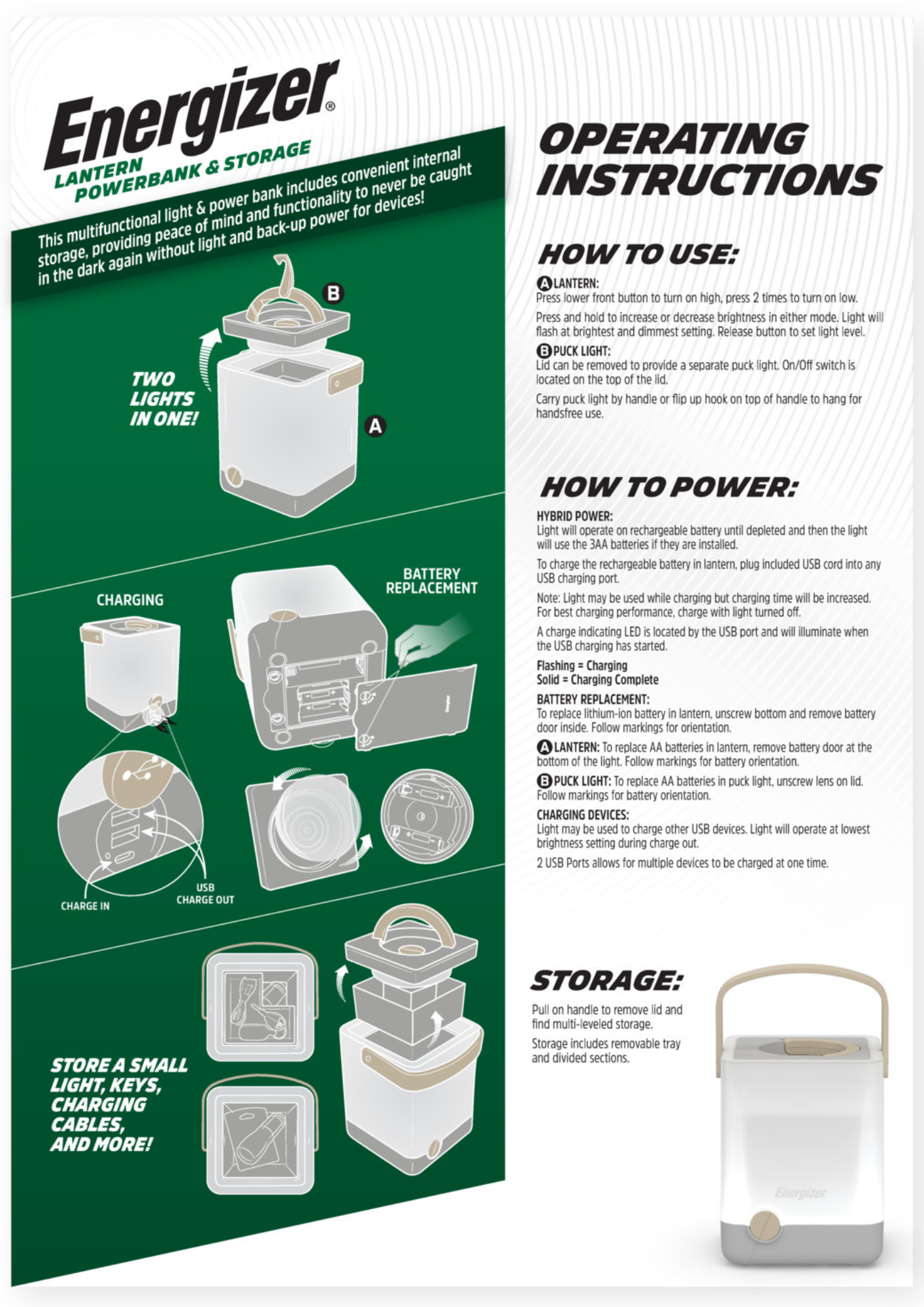
LANTERN:
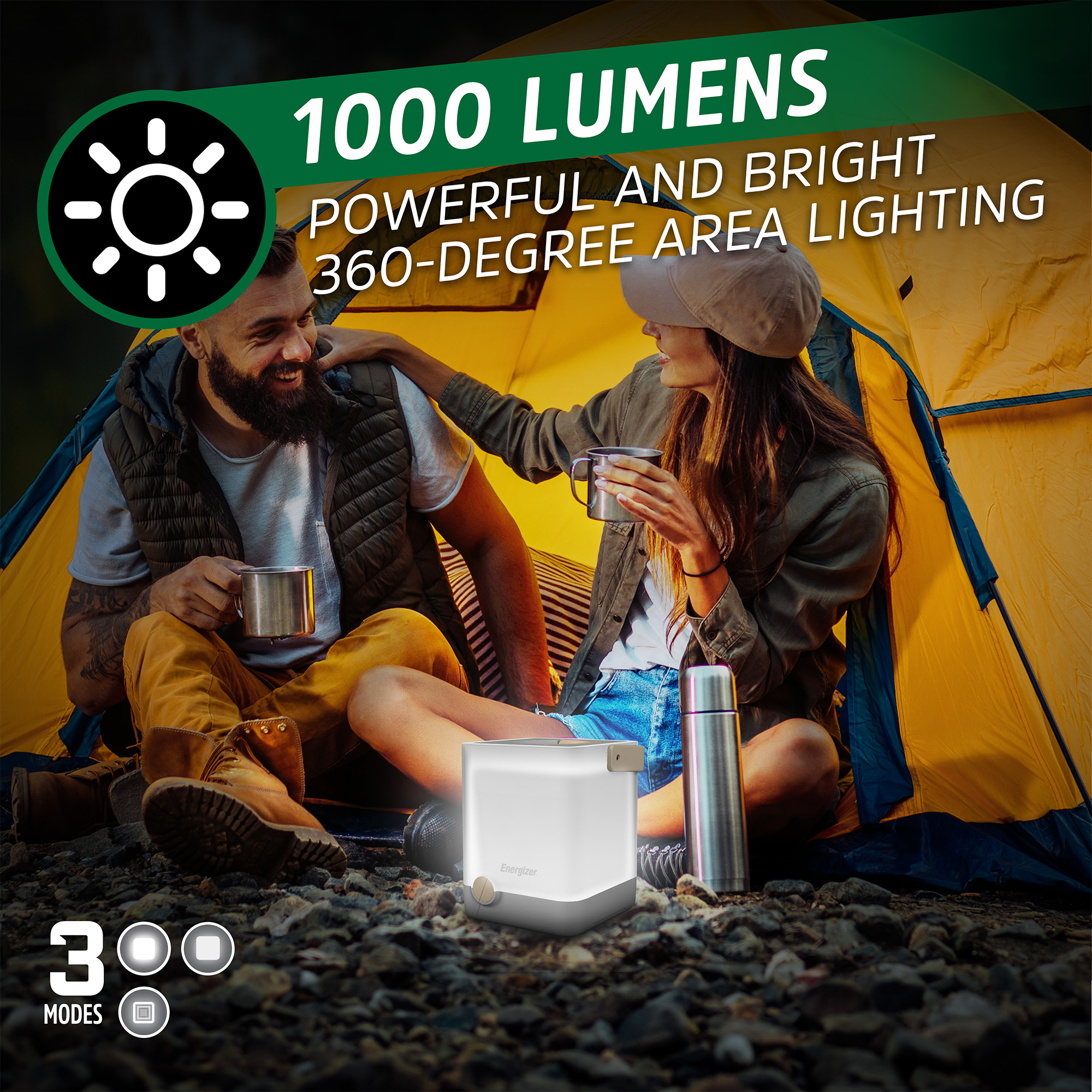
Press lower front button to turn on high, press 2 times to turn on low.
Press and hold to increase or decrease brightness in either mode. Light will flash at brightest and dimmest setting. Release button to set light level.
PUCK LIGHT:
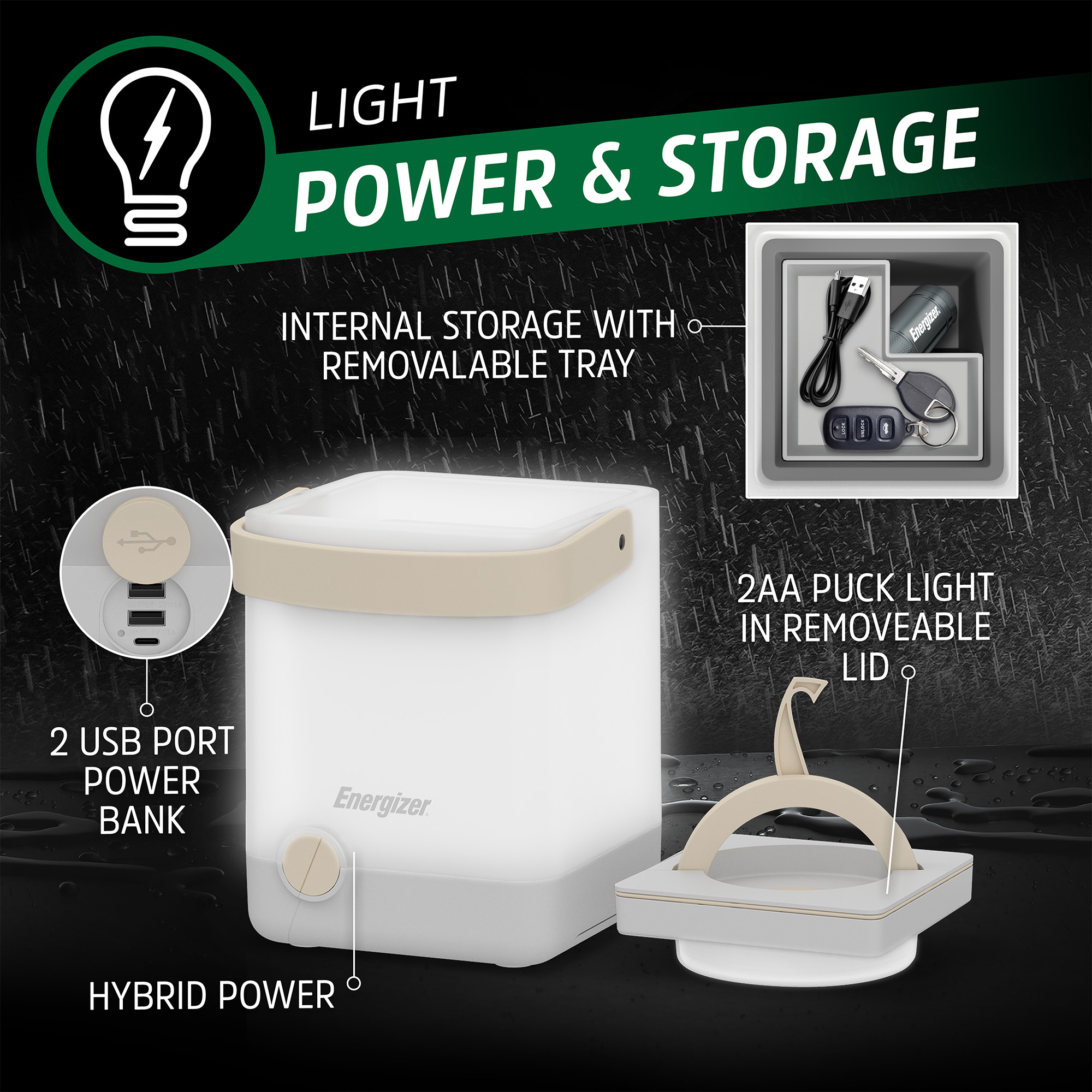
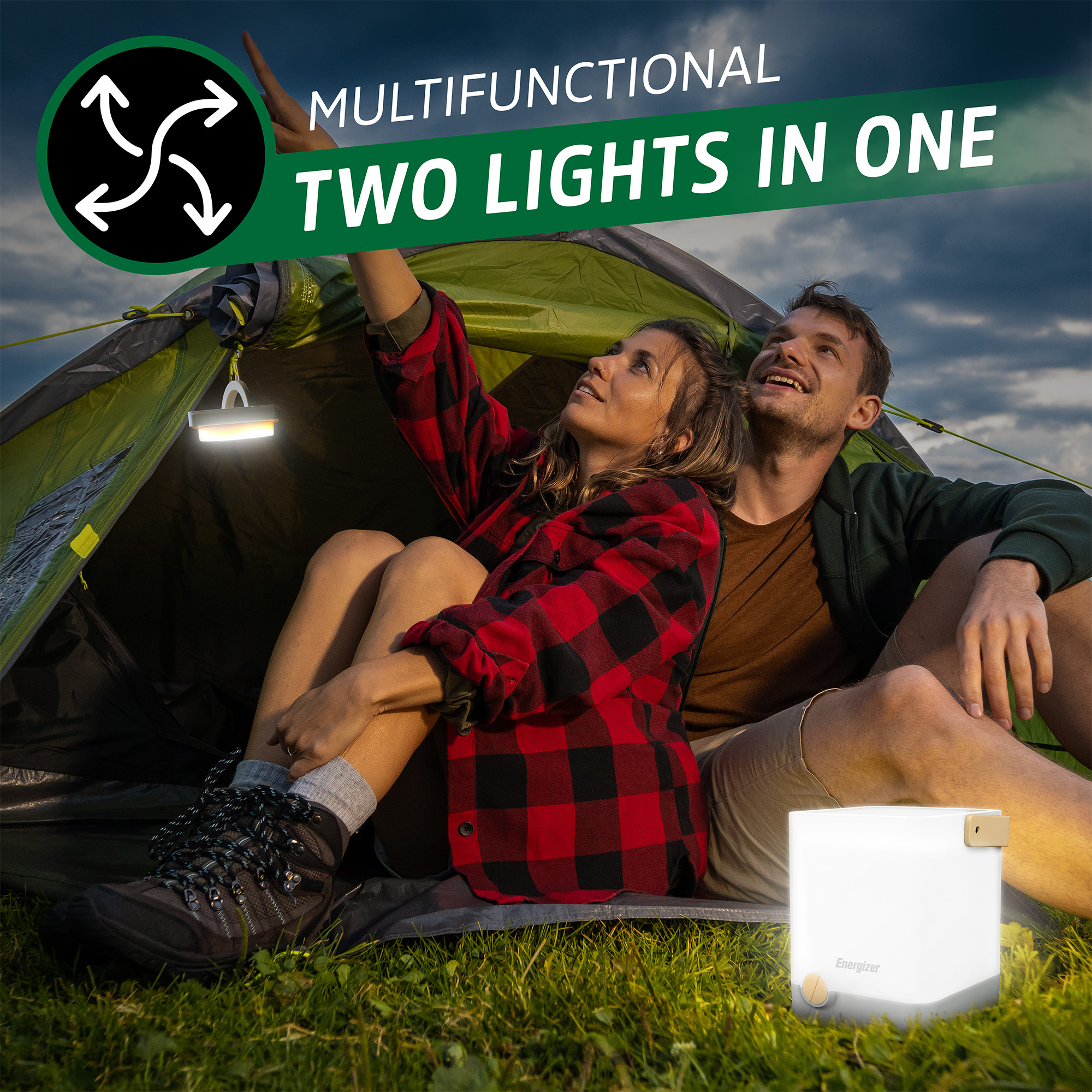
Lid can be removed to provide a separate puck light. On/Off switch is TWO located on the top of the lid.
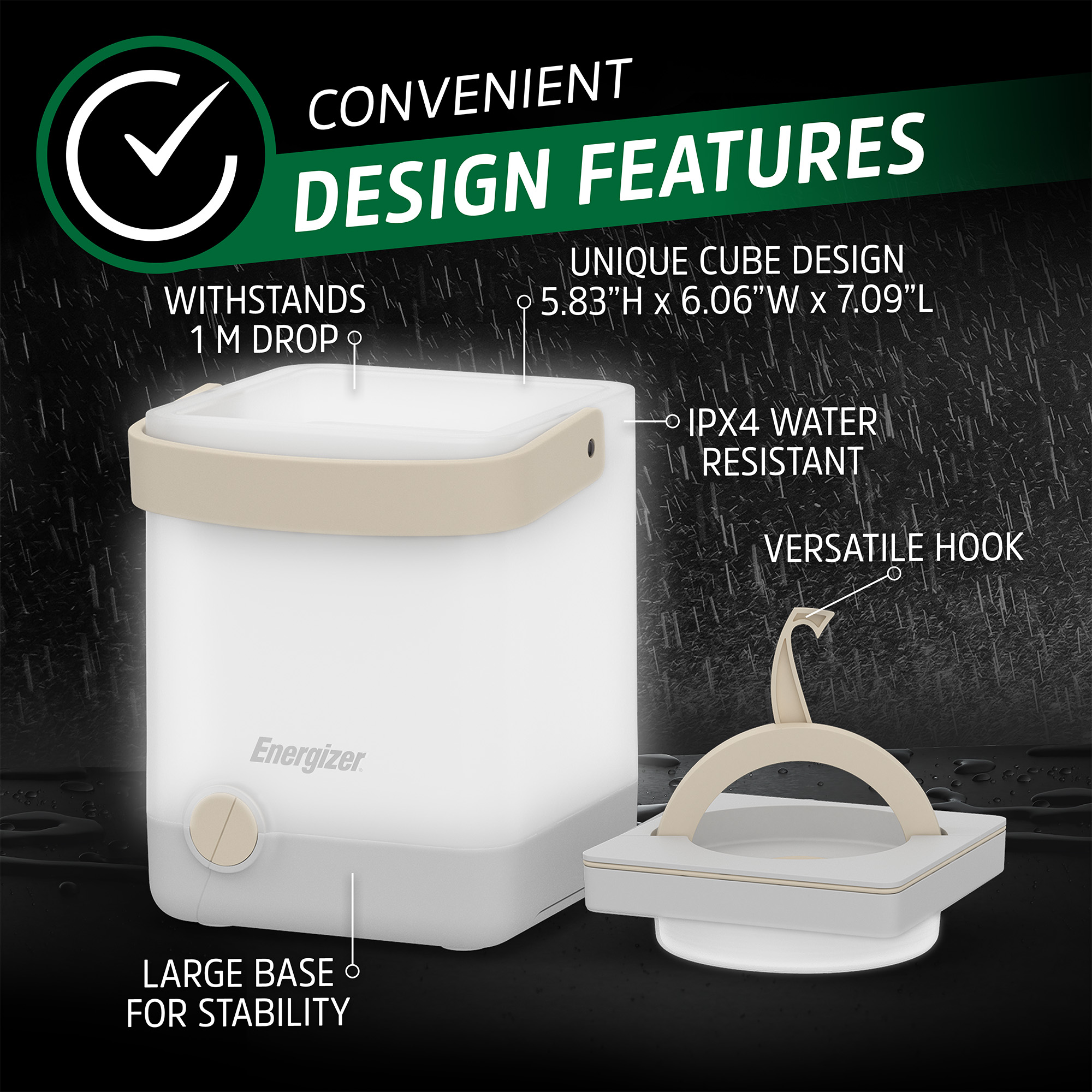
Carry puck light by handle or flip up hook on top of handle to hang for handsfree use.
HOW TO POWER:
HYBRID POWER:
Light will operate on rechargeable battery until depleted and then the light will use the 3AA batteries if they are installed.
To charge the rechargeable battery in lantern, plug included USB cord into any USB charging port.
Note: Light may be used while charging but charging time will be increased For best charging performance, charge with light turned off.
A charge indicating LED is located by the USB port and will illuminate when the USB charging has started.
Flashing = Charging
Solid = Charging Complete
BATTERY REPLACEMENT:
To replace lithium-ion battery in lantern, unscrew bottom and remove battery door inside. Follow markings for orientation.
LANTERN:
To replace AA batteries in lantern, remove battery door at the bottom of the light. Follow markings for battery orientation.
PUCK LIGHT:
To replace AA batteries in puck light, unscrew lens on lid. Follow markings for battery orientation.
CHARGING DEVICES:
Light may be used to charge other USB devices. Light will operate at lowest brightness setting during charge out.
2 USB Ports allows for multiple devices to be charged at one time.
STORAGE:
Pull on handle to remove lid and find multi-leveled storage.
Storage includes removable tray and divided sections.