Energizer Multi-Purpose Rechargeable Handsfree Light
 Voir les directives en français canadien
HOW TO USE:
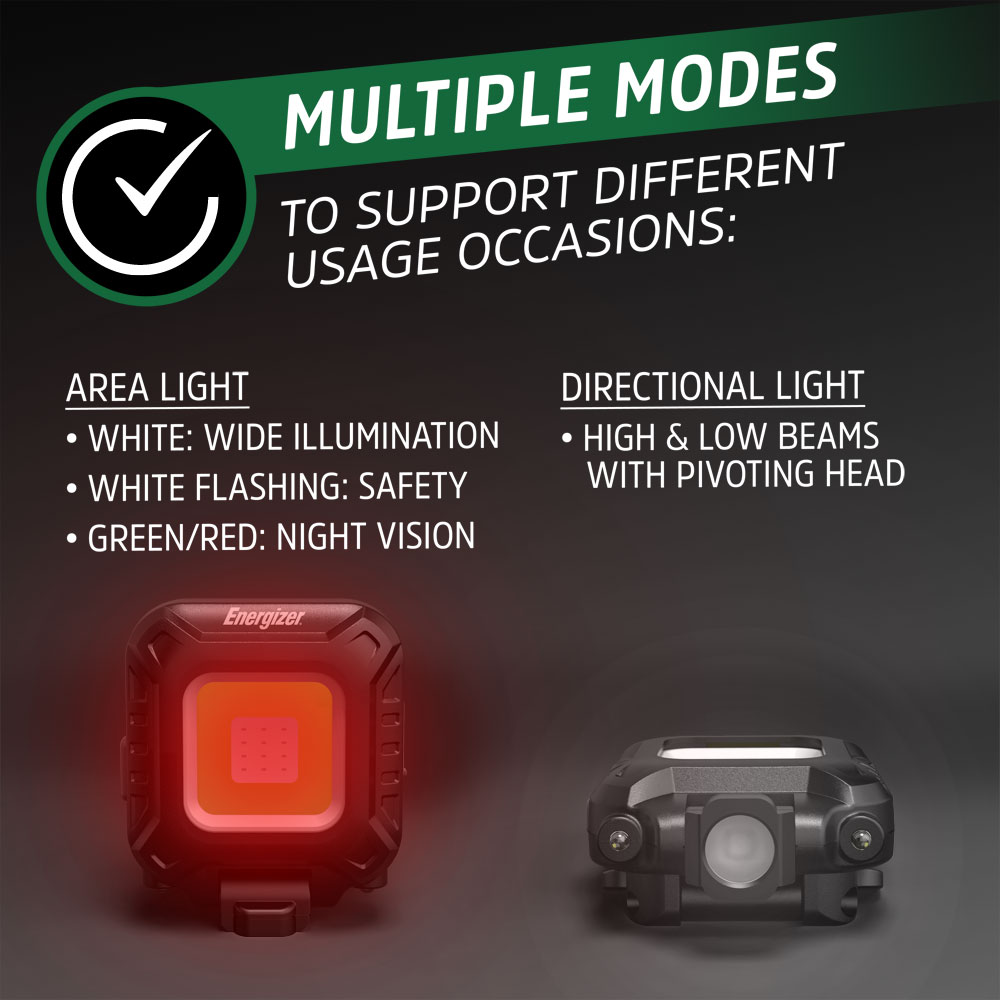
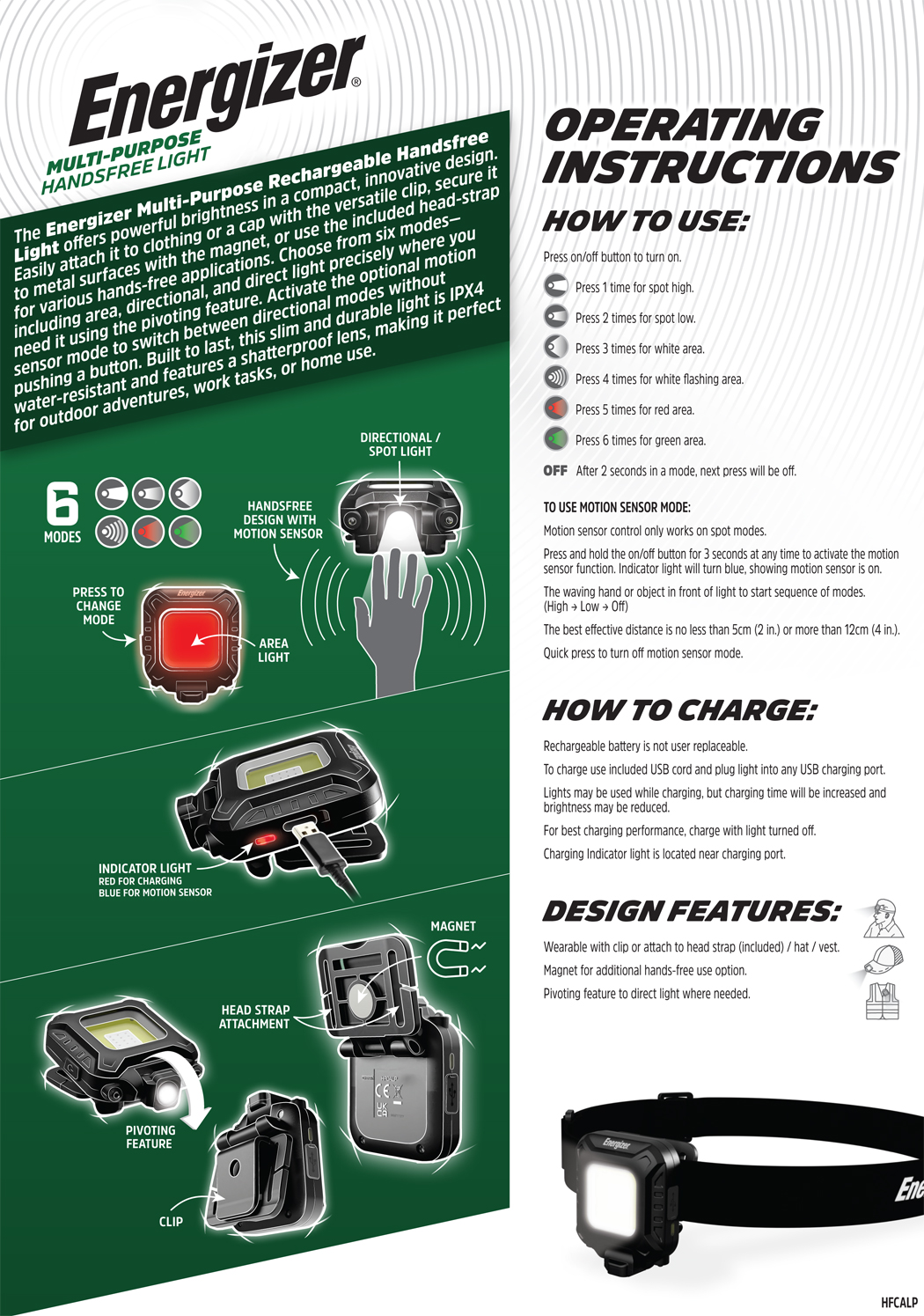
Press on/off button to turn on
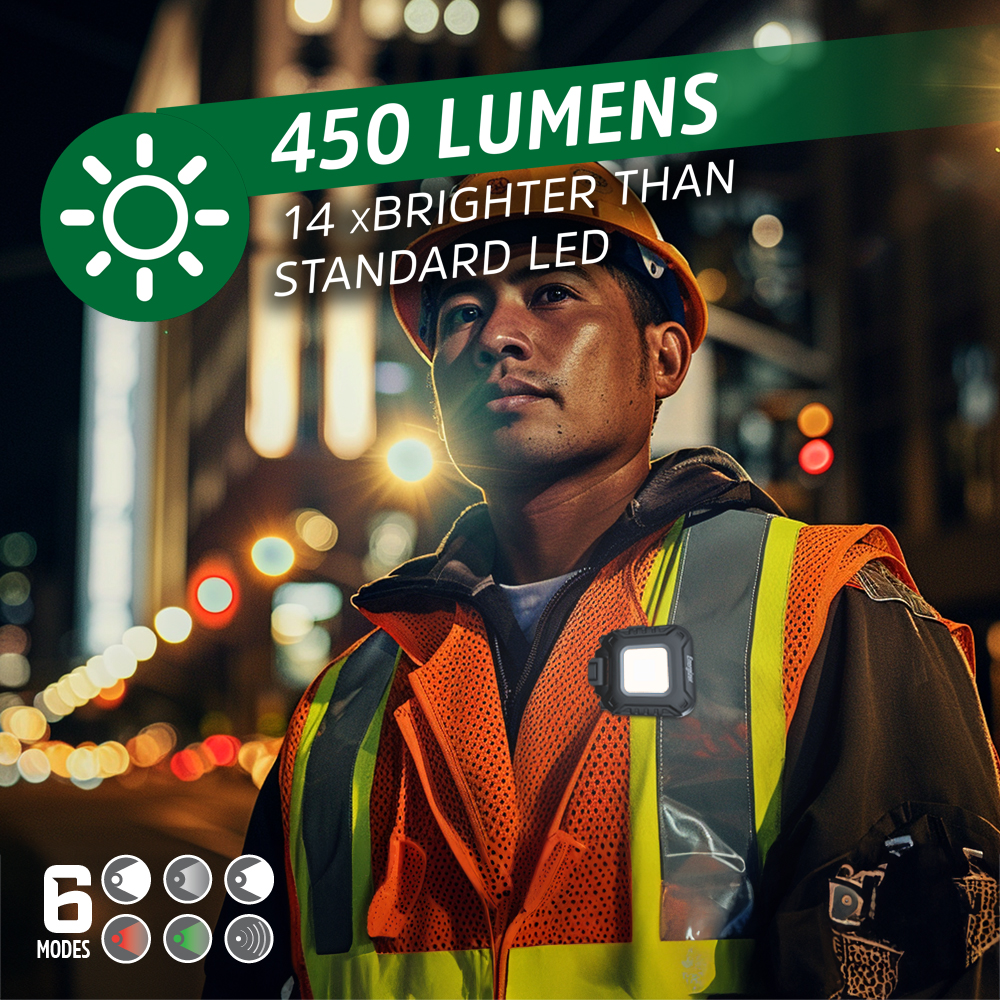
Press 1 time for spot high.
Press 2 times for spot low.
Press 3 times for white area.
Press 4 times for white flashing area.
Press 5 times for red area.
Press 6 times for green area.
OFF: After 2 seconds in a mode, next press will be off.
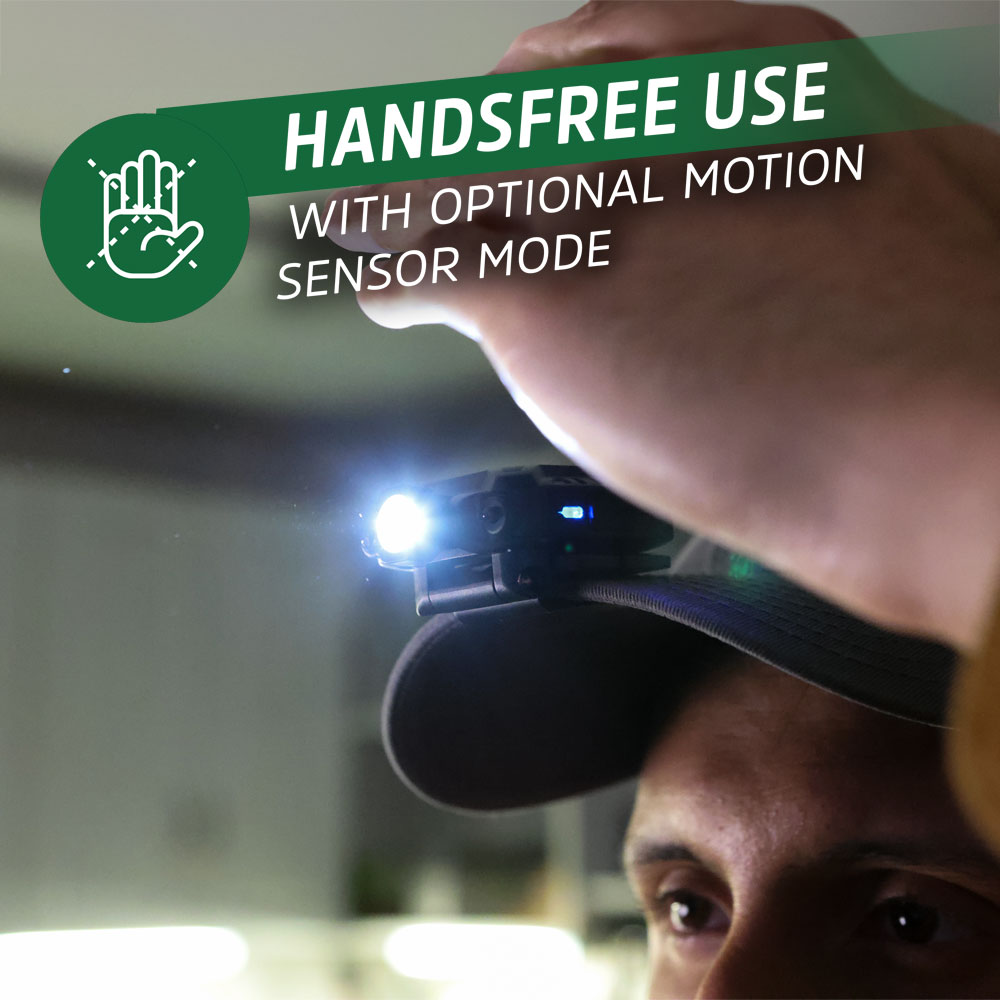
TO USE MOTION SENSOR MODE:
Motion sensor control only works on spot modes.
Press and hold the on/off button for 3 seconds at any time to activate the motion
sensor function. Indicator light will turn blue, showing motion sensor is on.
The waving hand or object in front of light to start sequence of modes.
(High → Low → Off)
The best effective distance is no less than 5cm (2 in.) or more than 12cm (4 in.).
Quick press to turn off motion sensor mode.
HOW TO CHARGE:
Rechargeable battery is not user replaceable.
To charge use included USB cord and plug light into any USB charging port.
Lights may be used while charging, but charging time will be increased and
brightness may be reduced.
For best charging performance, charge with light turned off.
Charging Indicator light is located near charging port.
DESIGN FEATURES:
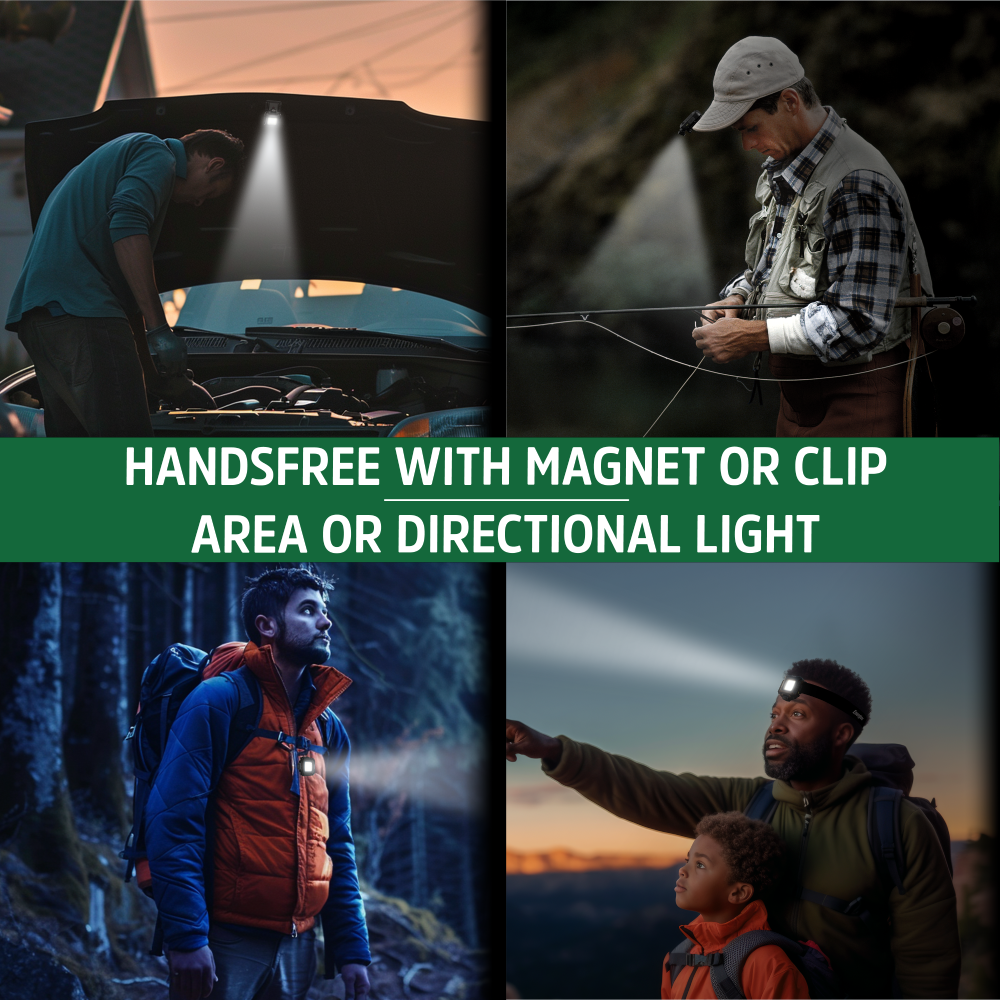
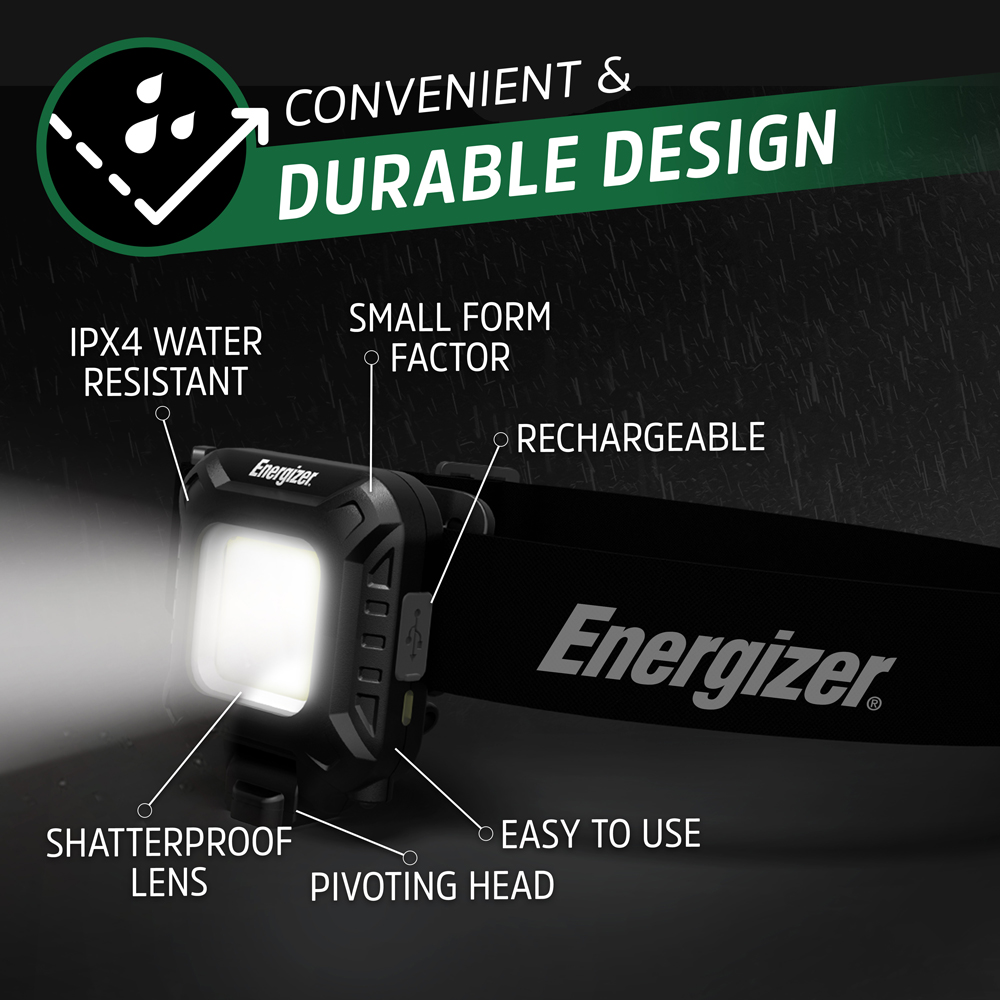
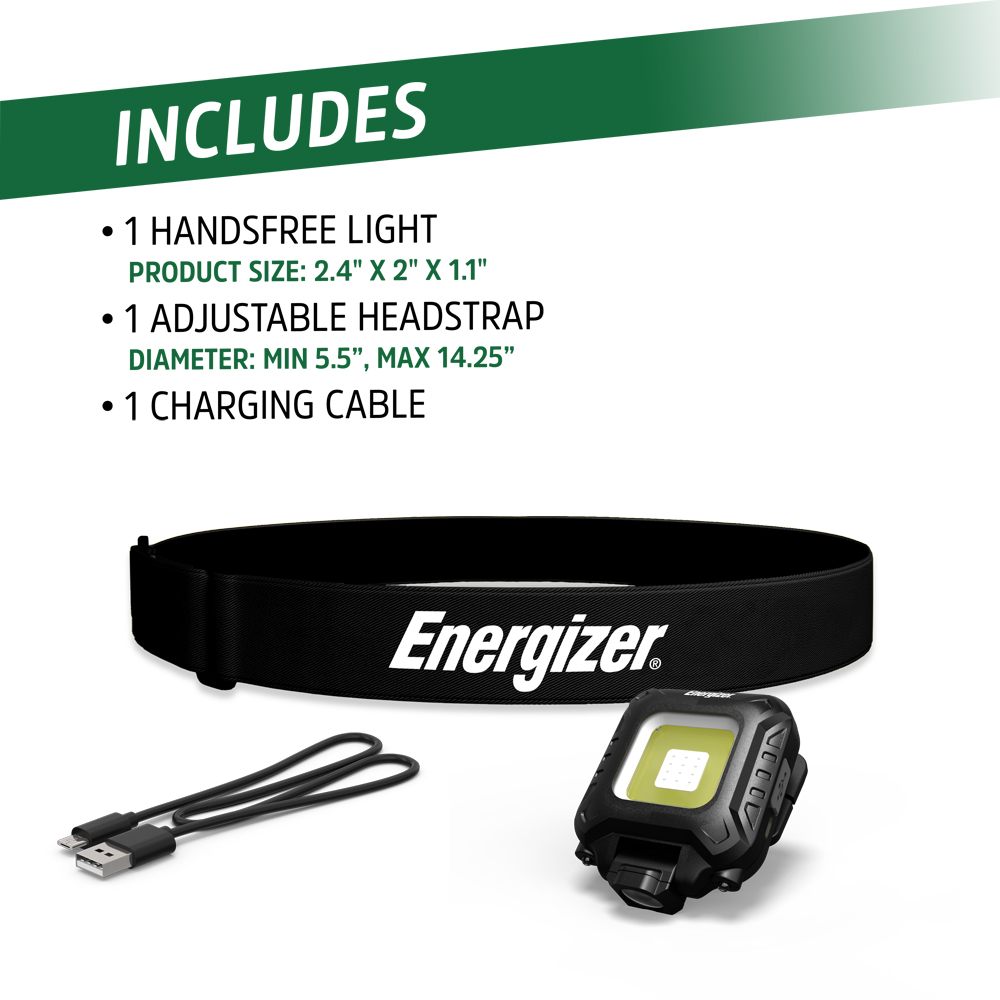
Wearable with clip or attach to head strap (included) / hat / vest.
Magnet for additional hands-free use option.
Pivoting feature to direct light where needed.