Energizer Power Indicator Light
 Voir les directives en français canadien
HOW TO USE:
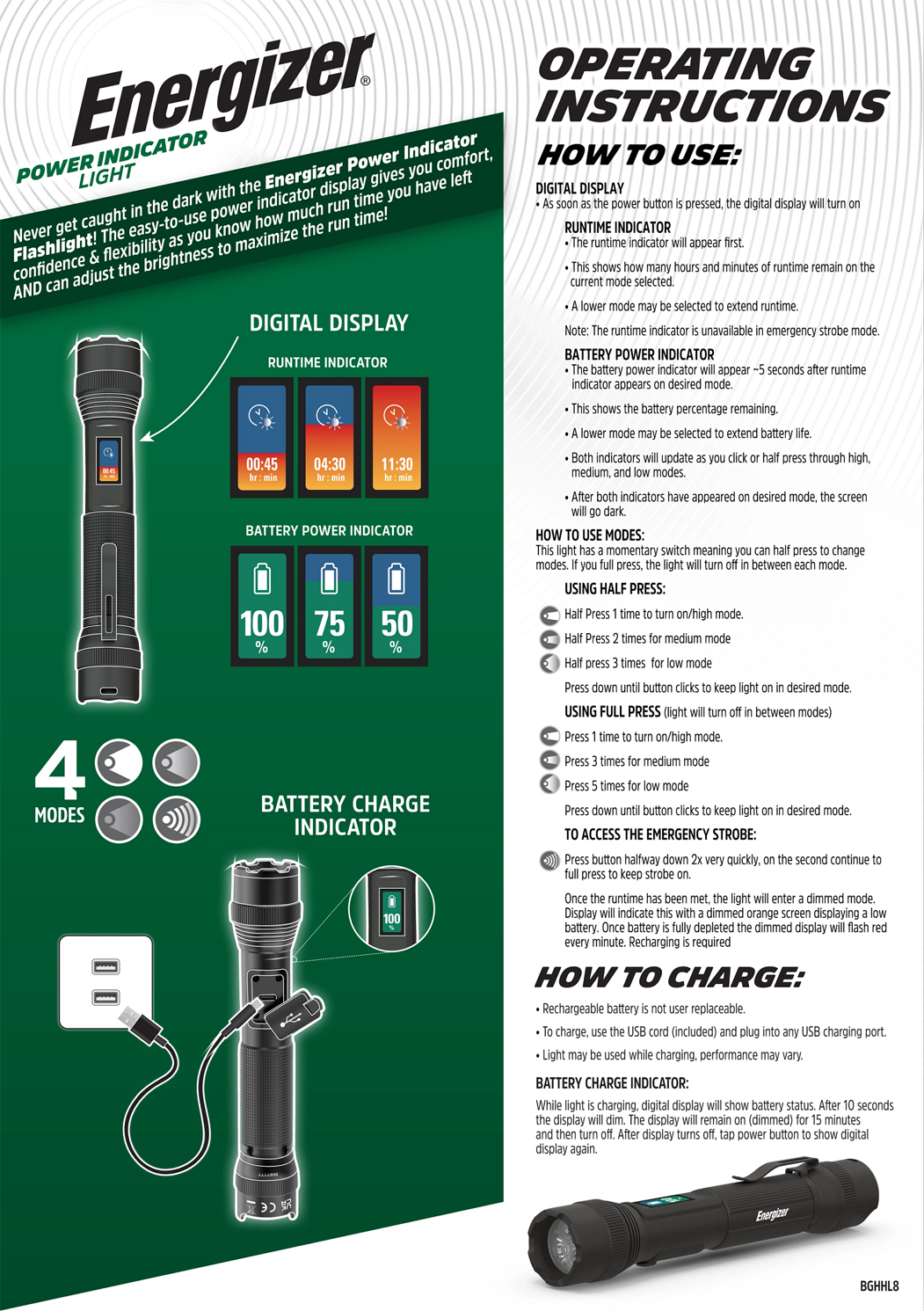
DIGITAL DISPLAY
As soon as the power button is pressed the digital display will turn on.
1. RUNTIME INDICATOR
The runtime indicator will appear first.
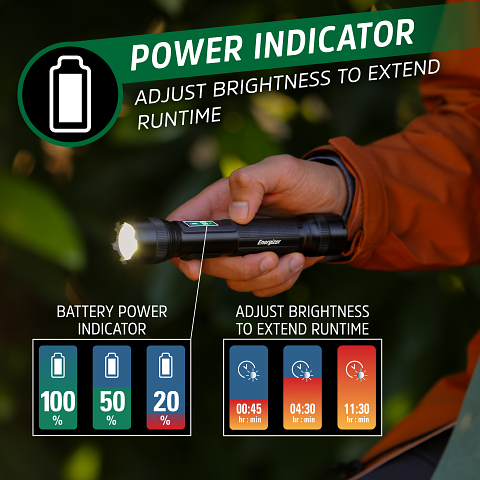
This shows how many hours and minutes of runtime remain on the current mode selected.
A lower mode may be selected to extend runtime.
Note: The runtime indicator is unavailable in emergency strobe mode.
3. BATTERY POWER INDICATOR
The battery power indicator will appear ~5 seconds after runtime indicator appears on desired mode.
This shows the battery percentage remaining.
A lower mode may be selected to extend battery life.
Both indicators will update as you click or half press through high, medium, and low modes.
After both indicators have appeared on desired mode, the screen will go dark.
2. HOW TO USE MODES:
USING HALF PRESS
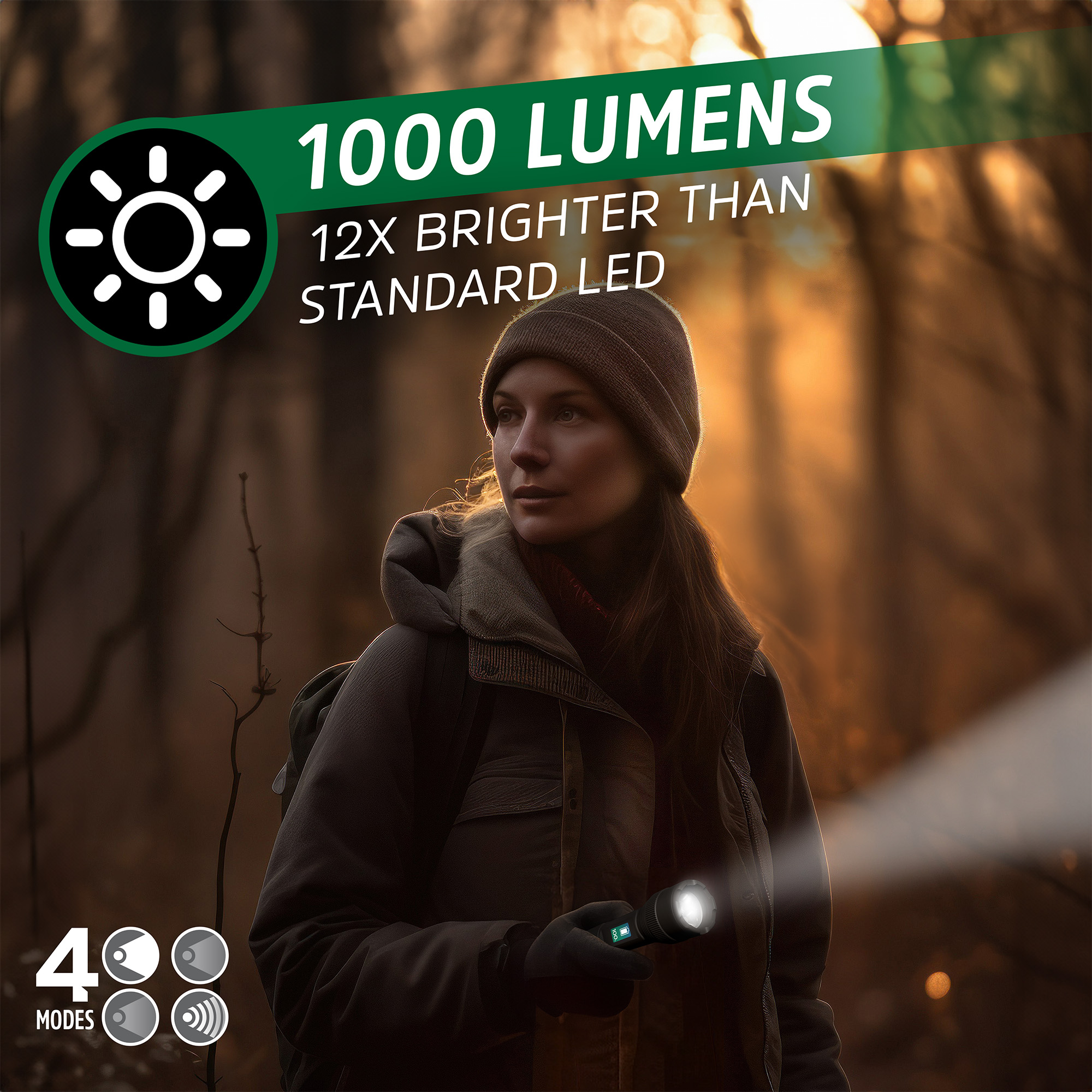
half press 1 time to turn on/high mode.
half press 2 times for medium mode.
half press 3 times for low mode.
USING FULL PRESS (Light will turn off in between modes)
press 1 time for on/high mode.
press 3 times for medium mode.
press 5 times for low mode.
TO ACCESS THE EMERGENCY STROBE
Press button 2x very quickly.
Once the run time has been met, the light will enter a dimmed mode. Display will indicate this with a dimmed orange screen displaying a low battery. Once battery is fully depleted the dimmed display will flash red every minute. Recharging is required.
If the light detects a temperature below 23 ̊ F (-5 ̊ C), the digital display will turn blue. Charging the light in very cold conditions is not recommended. For best performance, charge it in a warmer environment.
HOW TO CHARGE
1. charge with included USB
Rechargeable battery is not user replaceable.
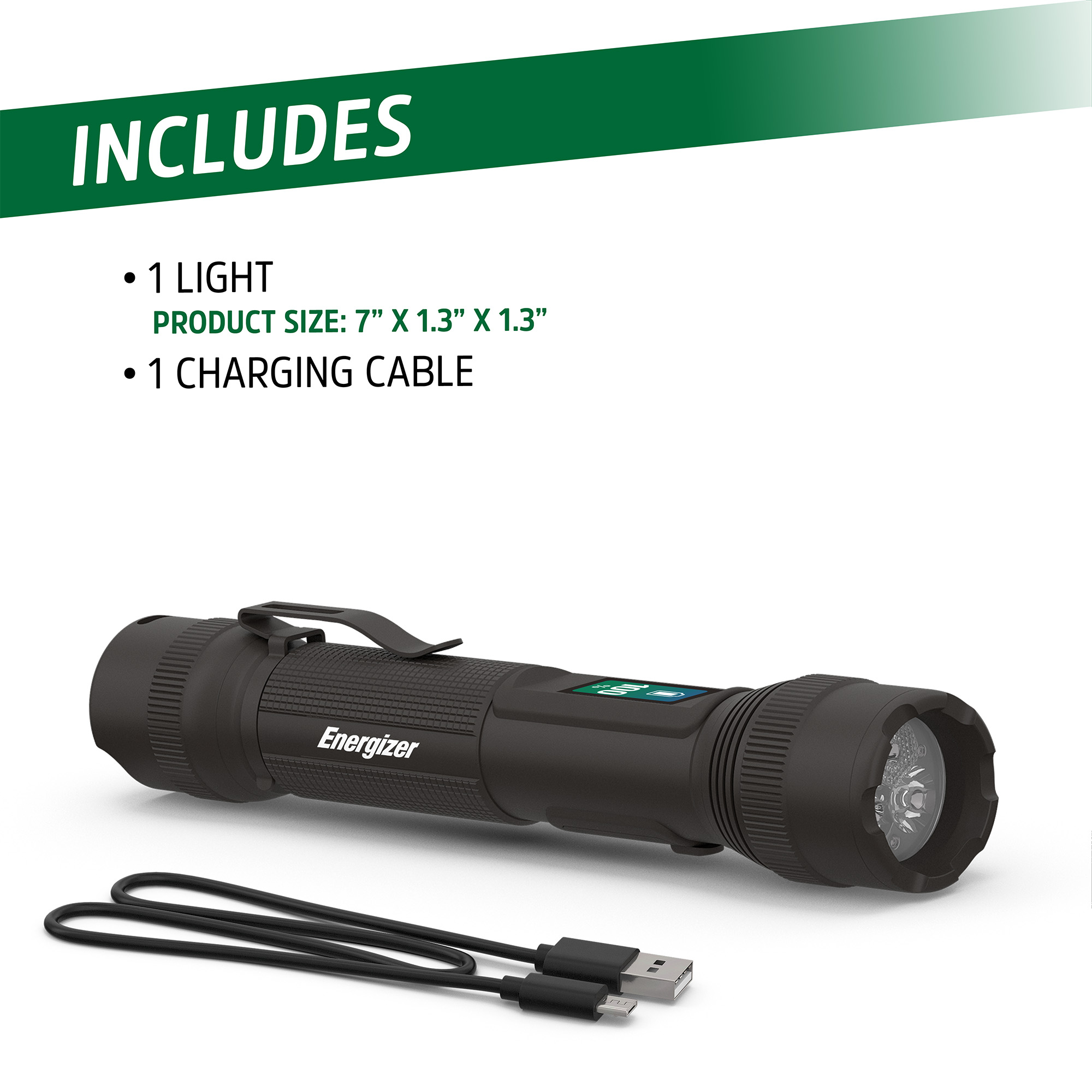
To charge use included USB cord and plug light into any USB charging port.
Light may be used while charging, performance may vary.
BATTERY CHARGE INDICATOR
While light is charging, digital display will show battery status. After 10 seconds, the display will dim. The display will remain on (dimmed) for 15 minutes and then turn off. After display turns off, tap power button to show digital display again.
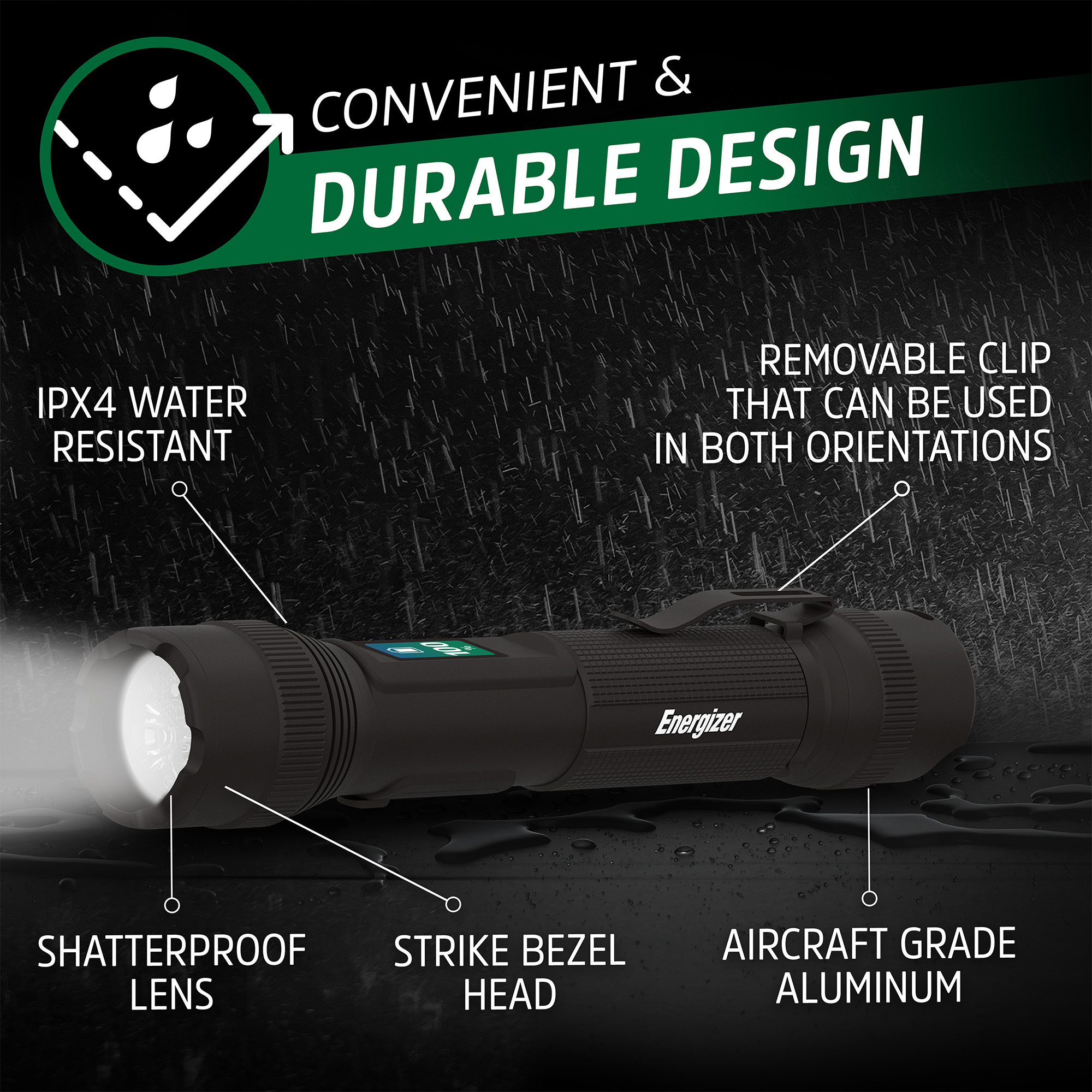
REMOVEABLE CLIP
1. Removeable clip can be used in both orientations