Rechargeable Lantern (Small)
 Voir les directives en français canadien
HOW TO USE:
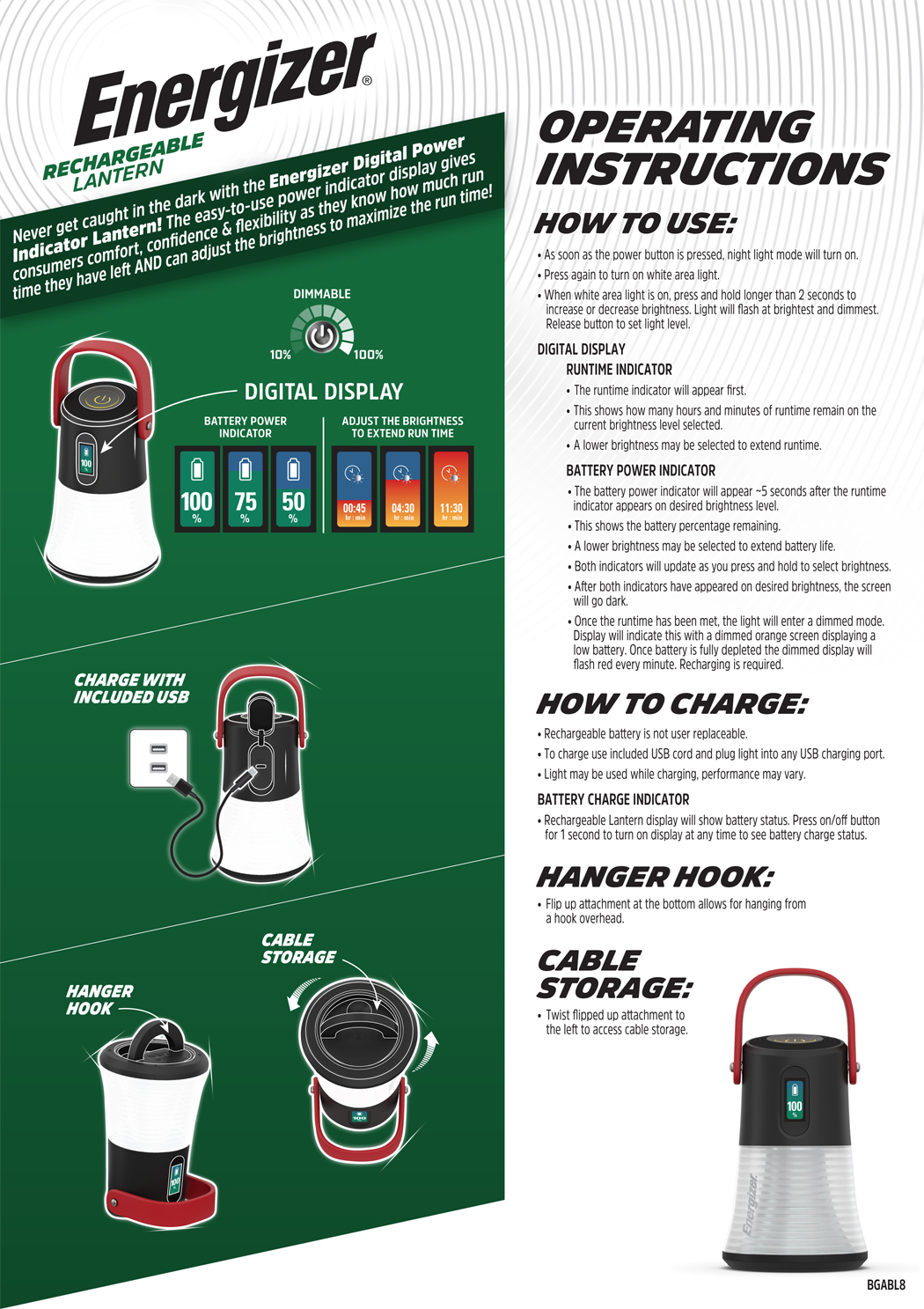
DIGITAL DISPLAY:
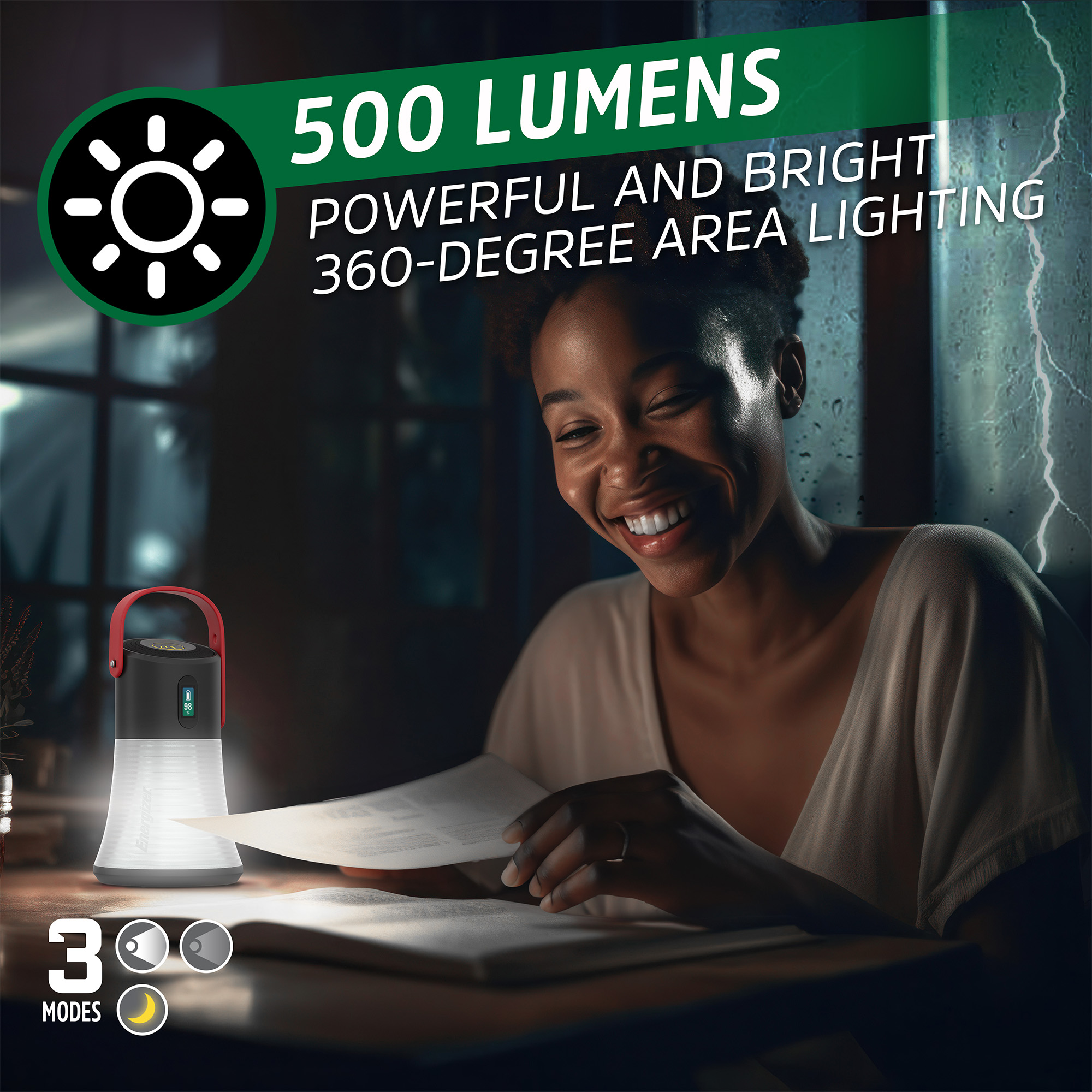
As soon as the power button is pressed, the night light mode will turn on.
Press again to turn on the white area light
When the white area light is on, press and hold longer than 2 seconds to increase or decrease brightness. Light will flash when it is at its brightest and dimmest. Release button to set the light level.
2. RUNTIME INDICATOR :
The operating time indicator will appear first.
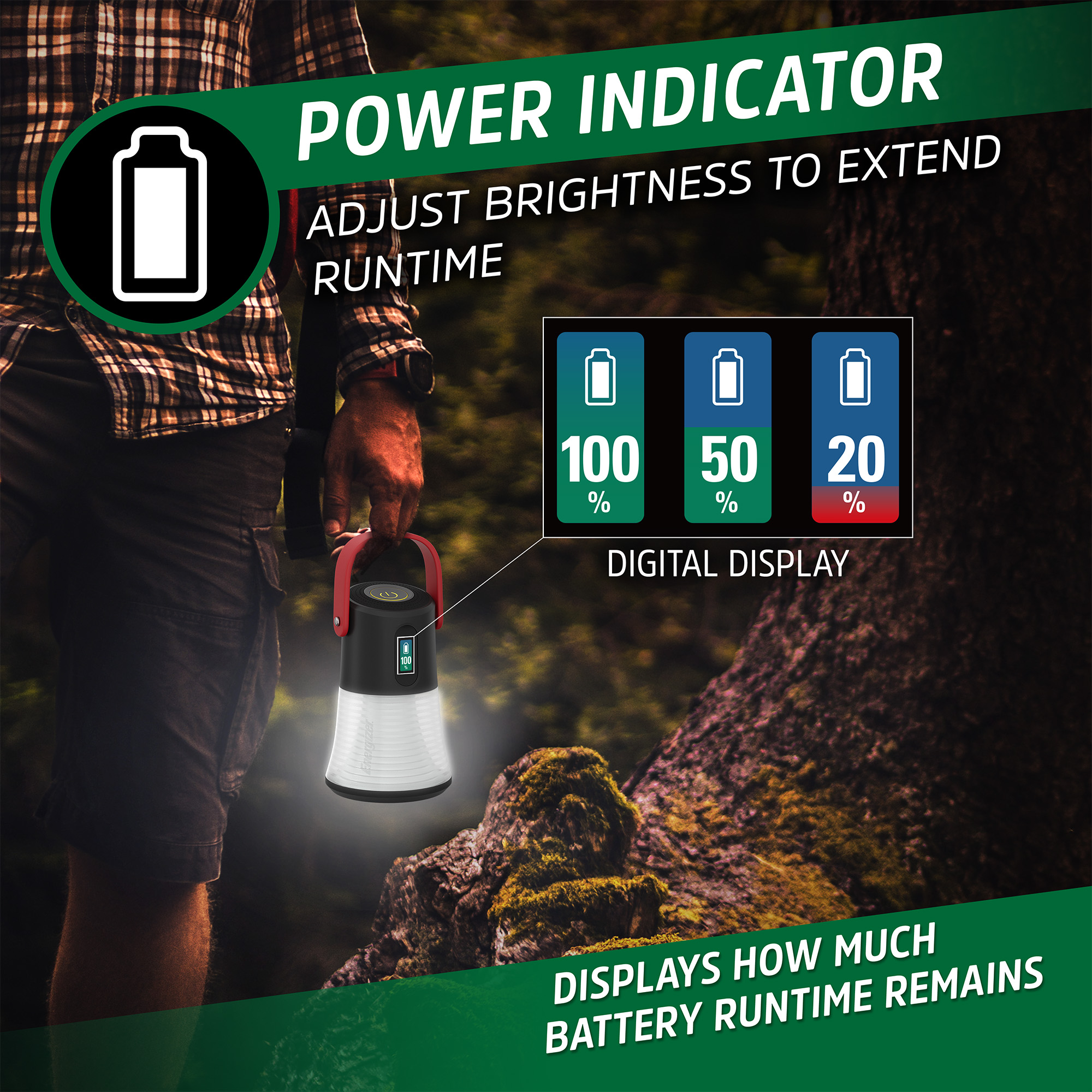
This shows how many hours and minutes of runtime remain in the current brightness level selected.
A lower brightness may be selected to extend runtime.
1. BATTERY POWER INDICATOR:
The battery power indicator will appear ~5 seconds after the runtime indicator appears on the desired brightness level.
This shows the battery percentage remaining.
A lower brightness may be selected to extend battery life.
Both indicators will update as you press and hold to select the brightness level.
After both indicators have appeared with the desired brightness, the screen will go dark.
Digital Power Indicator displays how much battery run time remains.
Once the run time has been met, the light will enter a dimmed mode. Display will indicate this with a dimmed orange screen displaying a low battery. Once the battery is fully depleted, the dimmed display will flash red every minute. Recharging is required.
HOW TO CHARGE :
1. To charge, use included USB cord and plug light into any USB charging port.
Light may be used while charging, performance may vary.
Rechargeable battery is not user replaceable.
Rechargeable battery change indicator
Rechargeable lantern display will show battery status.
Press on/off button for 1 second to turn on display at any time to see battery charge status
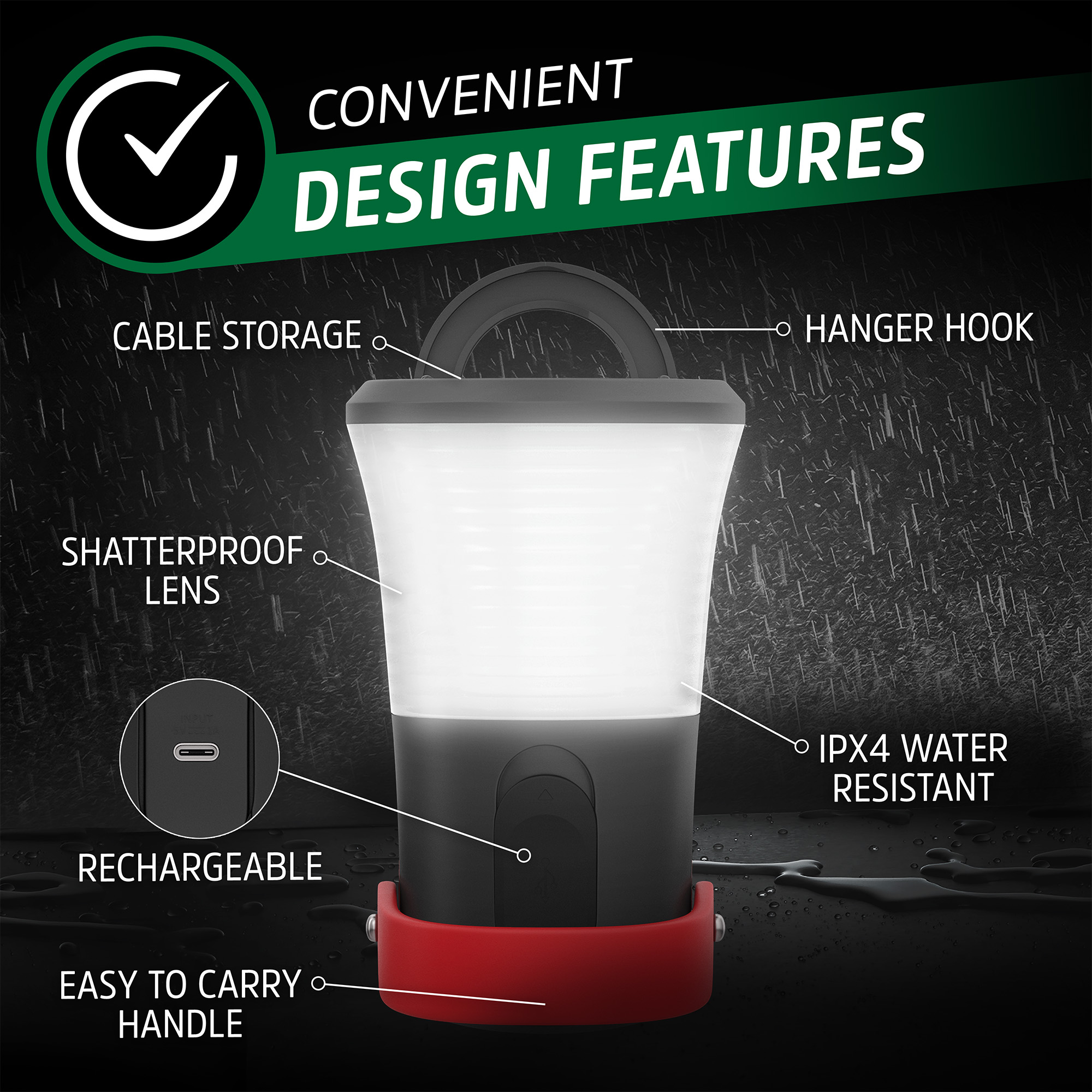
HANGER HOOK :
Flip up attachment at the bottom allows for hanging from a hook overhead.
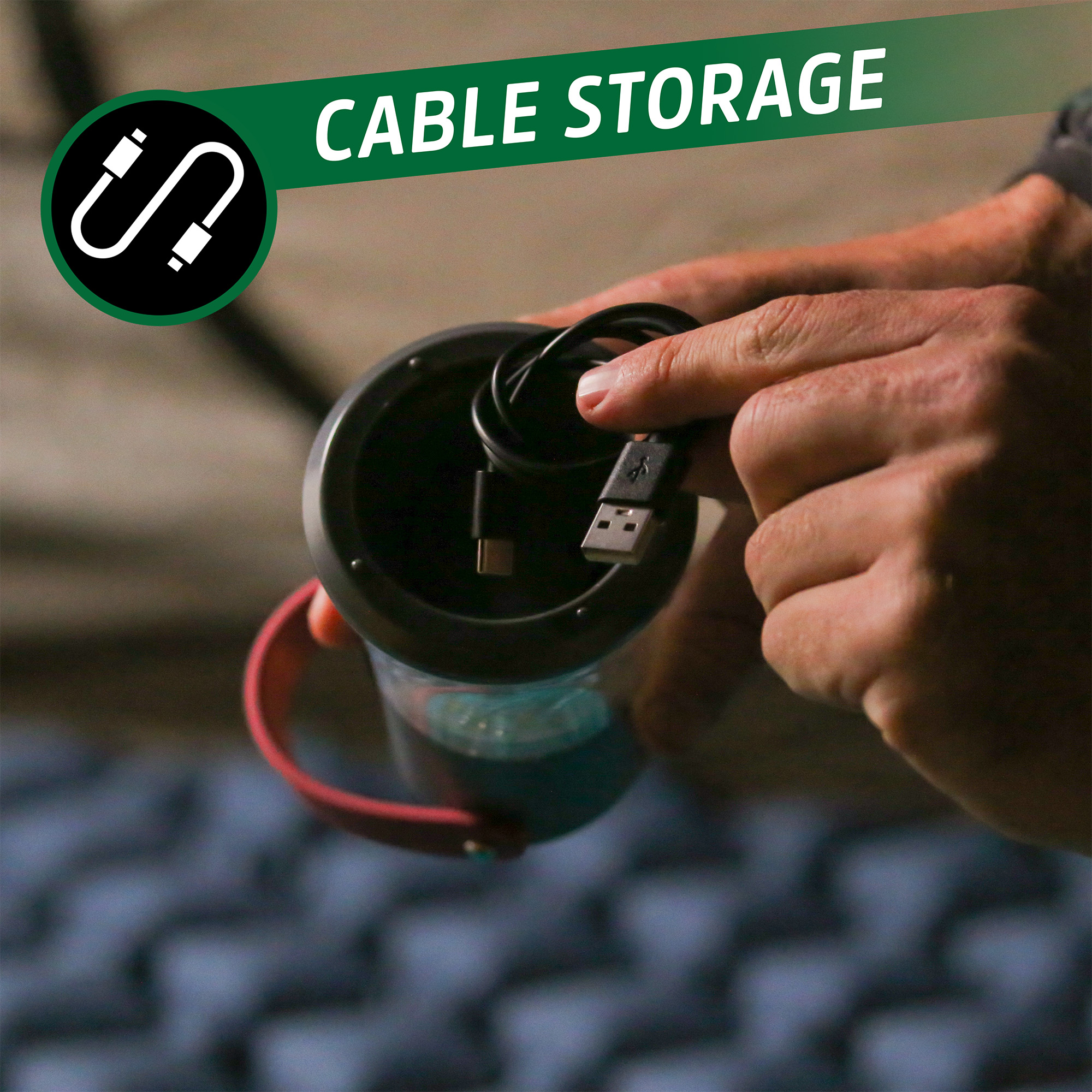
CABLE STORAGE :
Twist flipped up attachment to the left to access cable storage