Energizer Auto Safety Light
 Voir les directives en français canadien
HOW TO USE:
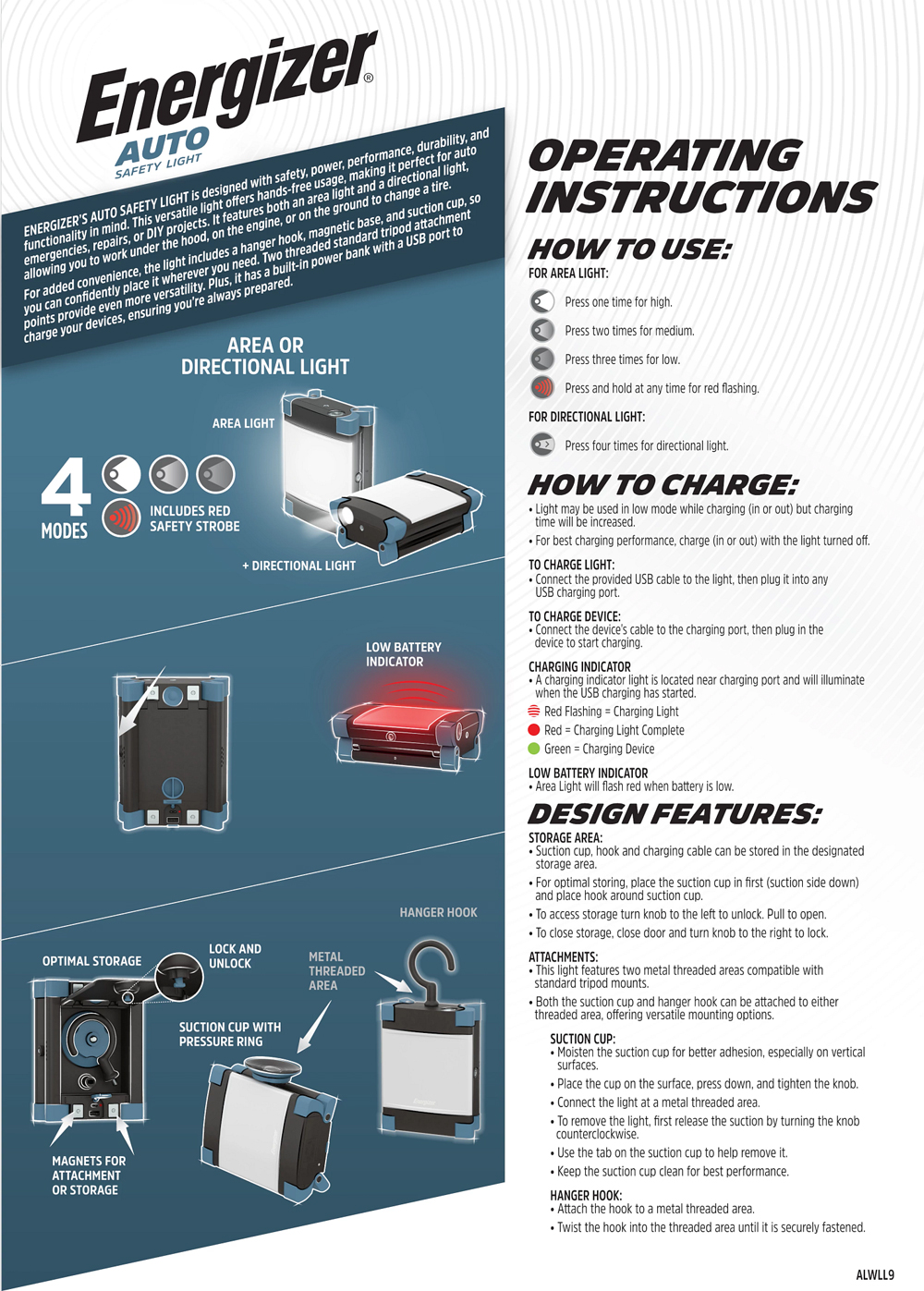
FOR AREA LIGHT
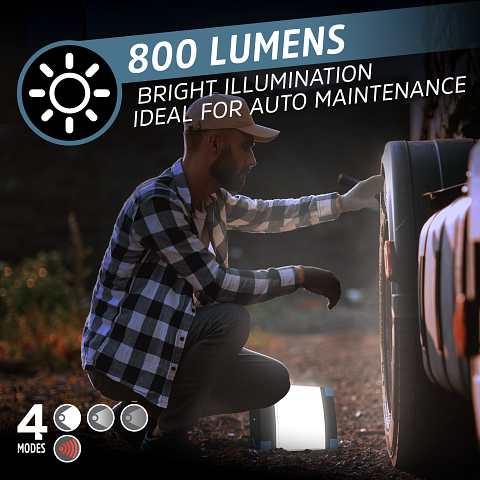
Press 1 time for high
Press 2 times for medium
Press 3 times for low
Press and hold at any time for red flashing
FOR DIRECTIONAL LIGHT
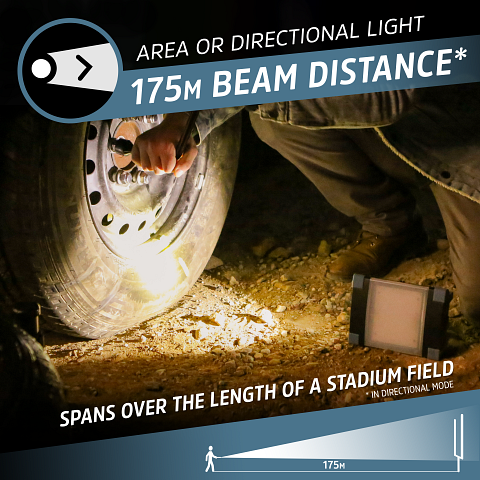
PRESS 4 times for directional light
HOW TO CHARGE
Light may be used in low mode while charging (in or out) but charging time will be increased.
For best charging performance, charge (in or out) with the light turned off.
TO CHARGE LIGHT
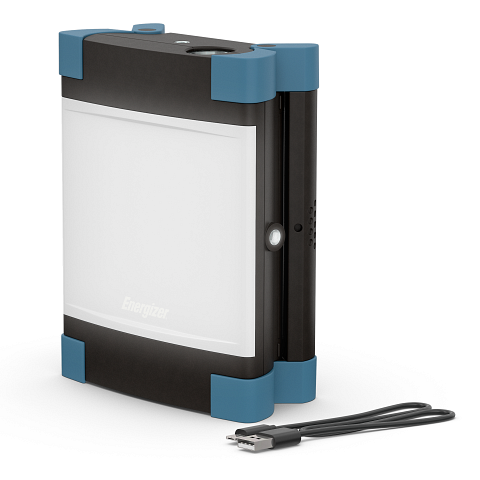
Connect the provided USB cable to the light, then plug it into any USB charging port.
TO CHARGE DEVICE
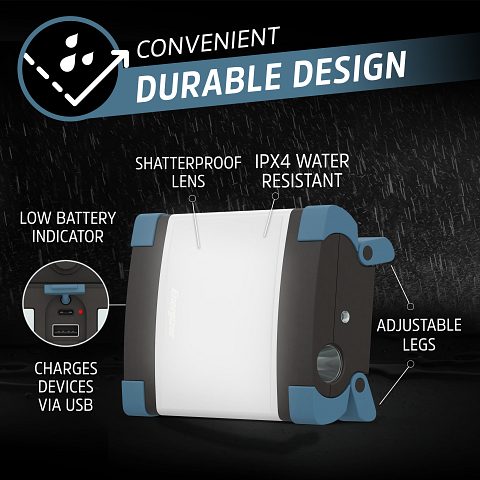
Connect the device’s cable to the charging port, then plug in the device to start charging.
Charging Indicator
A charging indicator light is located near charging port and will illuminate when the USB charging has started.
Red Flashing = Charging Light
Red = Charging Light Complete
Green = Charging Device ”
LOW BATTERY INDICATOR
Area Light will flash red when battery is low
DESIGN FEATURES
STORAGE AREA
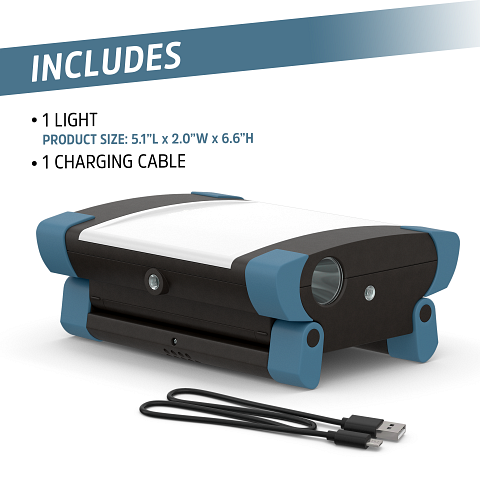
Suction cup, hook and charging cable can be stored in the designated storage area.
For optimal storing, place the suction cup in first (suction side down) and place hook around suction cup.
To access storage turn knob to the left to unlock. Pull to open.
To close storage, close door and turn knob to the right to lock
ATTACHMENTS
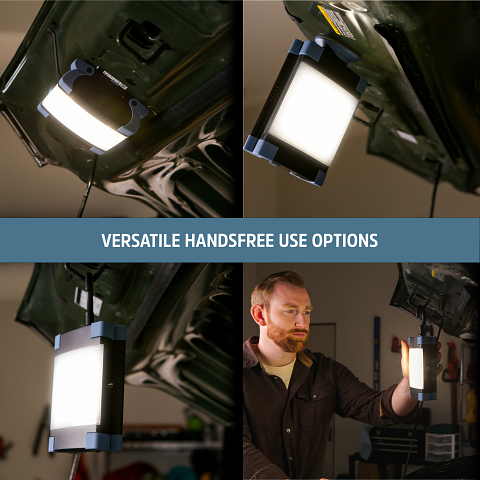
This light features two metal threaded areas compatible with standard tripod mounts.
Both the suction cup and hanger hook can be attached to either threaded area, offering versatile mounting options.
SUCTION CUP
Moisten the suction cup for better adhesion, especially on vertical surfaces.
Place the cup on the surface, press down, and tighten the knob.
Connect the light at the metal threaded area.
To remove the light, first release the suction by turning the knob counterclockwise.
Use the tab on the suction cup to help remove it.
Keep the suction cup clean for best performance.
HANGER HOOK
Attach the hook to a metal threaded area.
Twist the hook into the threaded area until it is securely fastened